
On this page
The short version
- The Enterprise Blocker Solved: Legacy Windows apps (Win32/ERP/Accounting) can now stream directly onto ChromeOS without full desktop VDI overhead.
- Native Shelf Integration: Apps run like native PWAs pinned to the shelf, with direct hooks into ChromeOS Files and Google Drive.
- Central IT Management: Fleet deployment, organizational unit policies, and zero-trust permissions are handled directly via the Google Admin Console.
For years, anyone pitching Chromebooks to an IT department ran into the exact same brick wall.
The meeting would start well: boot times under ten seconds, zero ransomware panics, effortless cloud device management, and hardware costs that made CFOs smile. But by minute forty, someone from finance or operations would inevitably ask:
“What about our customized ERP client? What about our legacy accounting suite? And that ancient internal tool that requires a 32-bit Windows environment?”
Silence. Then came the usual awkward compromises: set up expensive Citrix or VMware VDI servers, pay double licensing fees, and subject users to an inception-style “desktop inside a desktop” experience that lagged over home Wi-Fi.
Google’s acquisition and integration of Cameyo into Chrome Enterprise directly dismantles that roadblock.
What Cameyo Actually Is (Without the Buzzwords)
Cameyo is a Virtual App Delivery (VAD) platform.
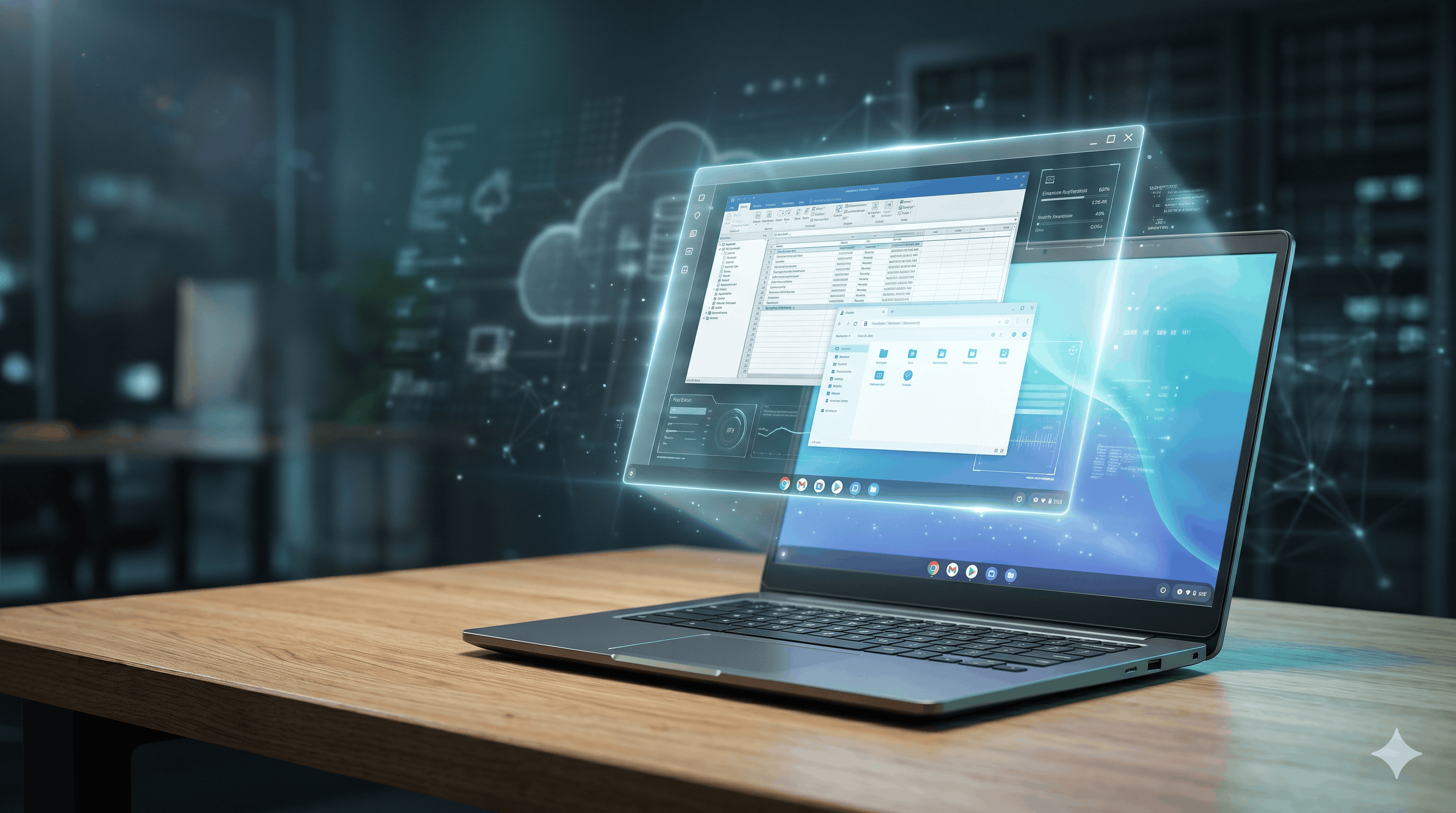
Instead of streaming an entire, clunky Windows 11 desktop over the internet, Cameyo streams only the specific application window you need, rendering it seamlessly in the cloud and delivering it over ultra-lightweight HTML5.
To the end user sitting at a Chromebook, it doesn’t feel like remote computing at all:
- There is no secondary Windows taskbar or Start menu to confuse people.
- The application icon sits right on the ChromeOS shelf (dock) next to Gmail and Slack.
- It launches in its own isolated window, responds to native keyboard shortcuts, and supports standard window snapping.
It bridges the gap between old-school Win32 software and modern cloud architecture without forcing companies into expensive, multi-year legacy code rewrites.
Why Traditional VDI Missed the Mark
For two decades, enterprise IT relied on Virtual Desktop Infrastructure (VDI). While it served its purpose, running full virtual desktops on modern lightweight endpoints created as many headaches as it solved:
| Feature | Legacy VDI (Citrix / Horizon) | Cameyo Virtual App Delivery |
|---|---|---|
| User Interface | Streams full OS desktop inside a window | Streams individual apps directly into the shelf |
| Bandwidth Demand | High (5–15+ Mbps per active seat) | Low (sub-1 Mbps typical HTML5 canvas stream) |
| File Handling | Confusing remote drive letters (C: Z: | Directly hooked into ChromeOS Files & Google Drive |
| Cost Profile | Heavy compute, storage, and dual-OS licensing | Targeted compute; pay only for app uptime |
The biggest friction point in daily workflows was file management. Under standard VDI, saving a document meant navigating a remote server’s directory tree and hoping it synced back down. Cameyo connects directly into the native ChromeOS file system and Google Drive. When you hit Ctrl + S inside a virtualized legacy app, your familiar Drive and local Downloads folders appear right away.
Under the Hood: Security and Zero-Trust
From an IT security perspective, Cameyo’s architecture solves several lingering corporate vulnerabilities:
- Zero Endpoint Exposure: The executable never touches the local device. Even if an employee downloads a compromised file or visits an unvetted site, the sandboxed cloud session cannot spill over onto the Chromebook’s hardware layer.
- Ephemeral Sessions: Virtual sessions are non-persistent. Once a user closes the application, the underlying temporary container wipes clean, eliminating cached data residue.
- No Inbound VPNs: Cameyo relies on encrypted HTTPS tunneling over port 443, eliminating the need to maintain open corporate VPN tunnels that malware typically exploits for lateral network movement.
The Admin Workflow: Native Google Admin Console
Before Google integrated Cameyo directly, deploying Windows apps to non-Windows fleets required hopping between separate hypervisor dashboards and deployment portals. Now, IT teams can orchestrate delivery right from the Google Admin Console:
- Package the App: Admins upload or link the Windows application package (.exe or .msi) to their Cameyo cloud cluster or private VPC.
- Assign Organizational Units (OUs): Under Devices > Chrome > Apps & Extensions, the admin selects which departments (e.g., Finance, Warehouse Operations) need access.
- Silent Fleet Push: The app is configured to “Force Install + Pin to Shelf.”
The next time an employee opens their Chromebook lid, the app icon is already waiting in their launcher. No user installation guides, no driver troubleshooting, and no manual endpoint patching.
The Strategic Takeaway
For IT managers, the shift is practical rather than ideological.
Organizations don’t stay tied to Windows hardware because they love managing local OS patches or troubleshooting blue screens—they stay because they rely on two or three stubborn, business-critical applications that lack modern web alternatives.
By turning those legacy software dependencies into simple web-delivered PWAs, Cameyo effectively cuts that cord. It gives organizations the freedom to deploy modern, secure, and cost-effective Chromebook Plus fleets without stranding their operational backbones.
The Missing Link for ChromeOS Enterprise Fleets
Read this if
Skip it if

Rishu Mehra
Writes about ChromeOS, developer documentation, and cloud-first computing. Runs TheChromebooks.com as an independent publication.